Remote monitoring technology has changed what an owner’s representative can verify without being on site, but not what they still have to attend in person. The useful distinction is between technology that produces evidence and technology that produces the feeling of visibility. A camera pointed at a driveway supplies the second and none of the first.
Key takeaways
- What does remote monitoring technology actually cover?
Remote monitoring technology on a South Florida luxury build covers four categories: fixed site cameras and time-lapse, structured photographic and video documentation, environmental and equipment sensors, and the reporting platform that stores and organizes all of it. - What are site cameras genuinely good for?
Site cameras on a South Florida build are genuinely good for establishing presence, weather, and sequence: who was on site, when work happened, and what conditions applied. - Why does structured photography beat live video?
Structured photography beats live video on a Florida build because it is systematic and permanent. Photographs taken from the same vantage points each week, plus dense close-range coverage before anything is concealed, produce a record that can be searched years later. - What about drones and scanning?
Drones and scanning on a South Florida site are useful at specific moments rather than continuously.
For how Kass reports remotely, see our owner’s representative services in South Florida.
What does remote monitoring technology actually cover?
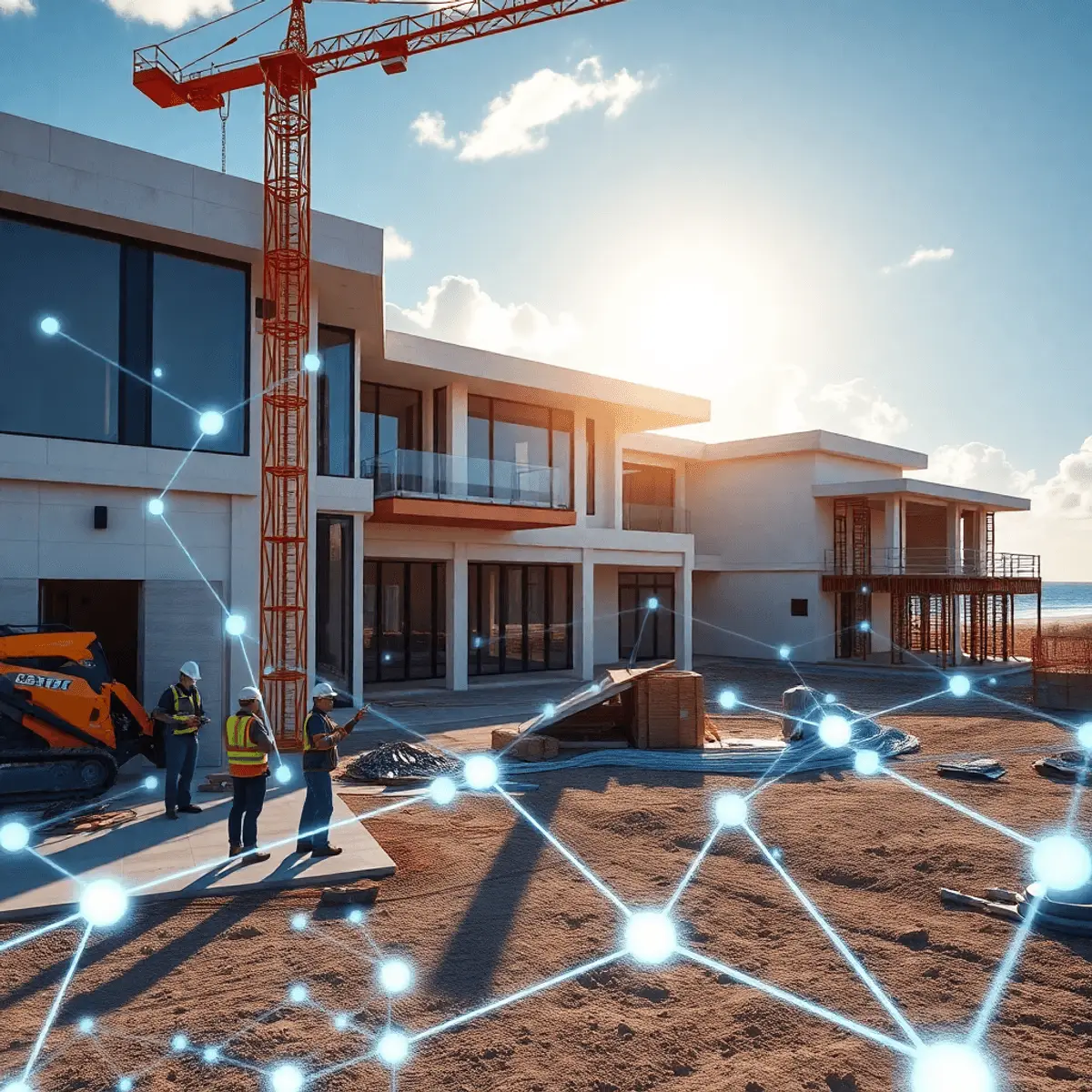
Remote monitoring technology on a South Florida luxury build covers four categories: fixed site cameras and time-lapse, structured photographic and video documentation, environmental and equipment sensors, and the reporting platform that stores and organizes all of it. Remote monitoring technology is only useful to the extent it produces a dated, located, searchable record.
The broader tooling is covered in virtual project management tools.
What are site cameras genuinely good for?
Site cameras on a South Florida build are genuinely good for establishing presence, weather, and sequence: who was on site, when work happened, and what conditions applied. That is valuable for schedule verification and occasionally decisive in a delay dispute. What cameras cannot do is show whether a connector was installed correctly, which is the question that matters most.
The observation standard is described in quality control, inspections, and punch lists.
Why does structured photography beat live video?
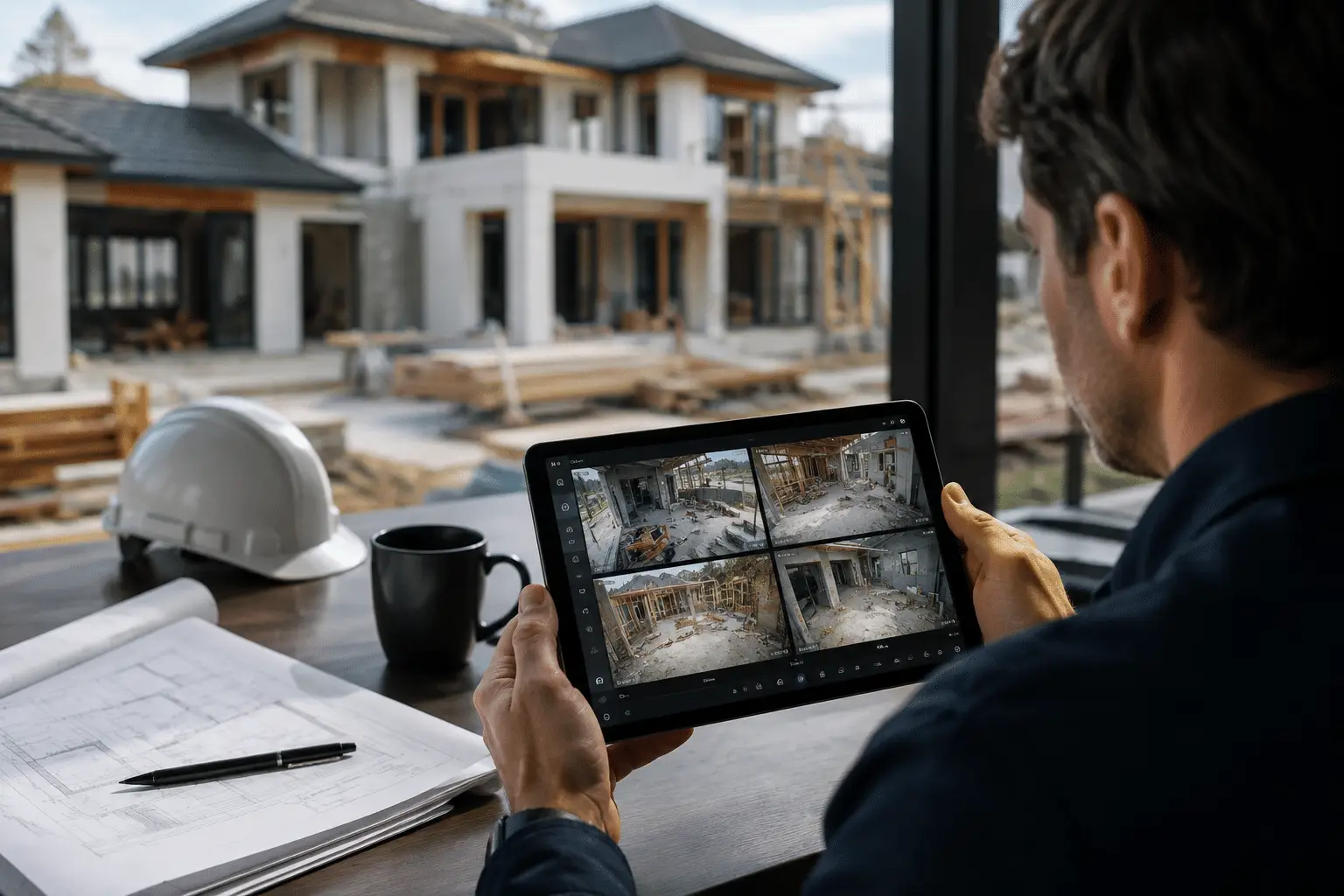
Structured photography beats live video on a Florida build because it is systematic and permanent. Photographs taken from the same vantage points each week, plus dense close-range coverage before anything is concealed, produce a record that can be searched years later. Remote monitoring technology earns its place through the archive it builds, not through the stream nobody watches.
Why the archive matters is explained in absentee owner representation.
What about drones and scanning?
Drones and scanning on a South Florida site are useful at specific moments rather than continuously. Aerial imagery is genuinely helpful for site logistics, roof inspection, and shoreline work where access is difficult, and laser scanning has real value for verifying as-built conditions on complex geometry. Both are tools for particular questions rather than general remote monitoring technology.
The waterfront context is in engineering challenges for Intracoastal and oceanfront homes.
Which sensors are worth installing?
The sensors worth installing on a South Florida coastal build are a short list: moisture sensors where water intrusion would be costly, temperature and humidity monitoring during finishing, and equipment monitoring on generators and pumps once installed. Beyond that, sensor data accumulates faster than anyone reads it, and remote monitoring technology that nobody reviews is an expense rather than a control.
Moisture control fundamentals are published by the EPA.
| Tool | Verifies well | Cannot verify |
|---|---|---|
| Fixed site cameras | Presence, weather, sequence | Whether a connection is correct |
| Structured weekly photography | Progress and concealed work | Anything not photographed |
| Drone imagery | Site logistics, roof, shoreline access | Close-range detail |
| Moisture and equipment sensors | Conditions over time | Workmanship |
| Reporting platform | The record and its history | Judgment |
What must still happen in person?
What must still happen in person on a South Florida site is everything requiring judgment at close range: waterproofing and flashing detail, structural connections and hardware, rough services before insulation, substrate condition before finishes, and the punch walk. Remote monitoring technology reduces the number of visits required; it does not remove the visits that matter.
The concealment stages are listed in what an owner’s representative does.
Who owns the data?
The owner of the South Florida home should own the monitoring data, and it should be stated in the agreement. Photographs, camera archives, reports, and sensor records are the project’s evidence base, and they matter at warranty claims, insurance events, and resale. Remote monitoring technology deployed on a platform the owner cannot export from is a liability rather than an asset.
Why records persist is covered in exit strategies for international owners.
What does a sensible setup look like?
A sensible remote monitoring setup for a South Florida build is one or two fixed cameras for sequence and presence, disciplined weekly photography from fixed positions, dense pre-concealment documentation, a small number of purposeful sensors, one platform holding all of it, and owner ownership of the archive. That is remote monitoring technology doing real work rather than performing visibility.
The reporting rhythm is in how owner’s representation protects high-net-worth clients.
How does Kass Construction & Development use it?
As evidence rather than reassurance: Kass Construction & Development, a state-licensed (CGC1529472) boutique luxury builder led by Mitch Kass, a licensed general contractor and attorney, with 100+ luxury residences delivered by Mitchell Kass and the firms he has led across Broward, Palm Beach, and Miami-Dade, pairs remote monitoring technology with attendance at the stages that cannot be photographed after the fact.
Contact Kass Construction & Development or call 954-607-4335.
Which remote monitoring technology produces evidence, and which only produces visibility?
Remote monitoring technology divides into tools that create a usable record and tools that create a feeling of being there, and the table below sorts the common options by what they actually deliver to an owner’s representative.
| Technology | What it delivers | Evidence value | Best use |
|---|---|---|---|
| Fixed-position progress photography | Dated images from the same points each week | High | Progress verification against the schedule of values |
| Inspection-point close-ups | Photographs of every element before cover, captioned and located | Highest | Quality record; dispute resolution |
| 360-degree room capture | Navigable images of every room at rough-in and pre-drywall | Highest | Locating services after walls close |
| Time-lapse site cameras | Continuous overview footage | Medium | Crew presence, deliveries, weather days, security |
| Live video walkthroughs | Real-time view with a person on site | Low unless recorded and indexed | Owner decisions at milestones |
| Drone photography and mapping | Aerial progress, site logistics, roof and seawall views | Medium to high | Site work, roofing, waterfront structures |
| Laser scanning | Measured as-built model | Highest for dimensions | Complex structures, renovations, millwork coordination |
| Environmental sensors | Moisture, temperature, humidity, water level, power | High for what they measure | Slab moisture, equipment rooms, flood risk during construction |
| Project platforms | Document of record, logs, approvals | High | Tying every image and sensor reading to a location and a date |
Moisture and indoor air conditions during construction are relevant to the later health of the home; the EPA’s indoor air quality guidance covers moisture control. The platform side is described in virtual project management tools for absentee owners.
What does a sensible remote monitoring setup look like on a South Florida build?
Remote monitoring technology is assembled into a setup at the start of the project, and the configuration below covers what an owner’s representative needs without buying equipment for its own sake.
- A photography plan: fixed positions marked on the site plan, a weekly schedule, and a captioning standard tied to the drawings.
- A rule that nothing is covered before its inspection-point photographs are taken and uploaded; the inspection schedule is in quality control, inspections and punch lists.
- 360-degree capture of every room at rough-in and before drywall.
- One or two time-lapse cameras with power and connectivity, positioned for the whole site and the waterfront where there is one.
- Drone flights at site work, roofing and seawall stages, subject to local airspace rules.
- Sensors where they answer a real question: slab moisture before flooring, humidity in rooms where millwork is stored, water level in the excavation on waterfront lots; see engineering challenges on Intracoastal and oceanfront sites.
- A project platform that indexes everything by date and location, with the owner, representative, architect and builder on it.
- A data ownership clause: the images and records belong to the owner and are delivered at close-out.
What must still happen in person, whatever the remote monitoring technology?
Remote monitoring technology extends the representative’s reach but does not replace presence at the moments that decide quality, and the list below is what an owner should expect to be attended on site.
- Foundation and structural inspection points, where a camera cannot check reinforcing size, spacing or connector installation.
- Window and door installation, flashing sequence and water testing, which are judged by touch and by watching the work.
- Rough-in walks with the drawings in hand, room by room.
- Mock-up approvals for stone, tile, millwork and exterior finishes, which have to be seen in daylight.
- Draw verification when a pay application claims progress the photographs do not clearly support.
- Punch list walks and the final walk-through; the representative’s presence at these is part of what an owner’s representative does.
- Close-out: confirming permits are closed and the record is complete, which also supports resale, as noted in long-term exit strategies for international owners.
Kass Construction & Development uses this monitoring setup on its projects in Broward, Palm Beach and Miami-Dade and delivers the record to the owner at handover; the service for owners who cannot attend is described in absentee owner representation and owner’s representation for luxury homes.
Frequently Asked Questions
What is remote monitoring technology on a build?
Site cameras and time-lapse, structured photographic documentation, environmental and equipment sensors, and the platform that stores and organizes the record.
Are site cameras enough?
No. They establish presence, weather, and sequence, which is useful for schedule verification. They cannot show whether a connection was installed correctly.
Why is structured photography more valuable than live video?
Because it is systematic and permanent. Fixed vantage points weekly, plus dense pre-concealment coverage, create an archive searchable years later.
Are drones worth using?
At specific moments: site logistics, roof inspection, and shoreline work with difficult access. They are a tool for particular questions rather than continuous monitoring.
Which sensors are worthwhile?
Moisture where intrusion would be costly, temperature and humidity during finishing, and equipment monitoring on generators and pumps. Data nobody reads is not a control.
What still needs someone on site?
Waterproofing and flashing, structural connections, rough services before insulation, substrate condition before finishes, and the punch walk.
Who should own the recorded data?
The owner, stated in the agreement, with the ability to export it. The archive matters at warranty claims, insurance events, and resale.